Zano
Official Website: zano.org
Zano is an open-source cryptocurrency and ecosystem with enterprise-grade privacy, security, and scalability that operates as a robust foundation for confidential assets and decentralised applications (dApps).
Addresses
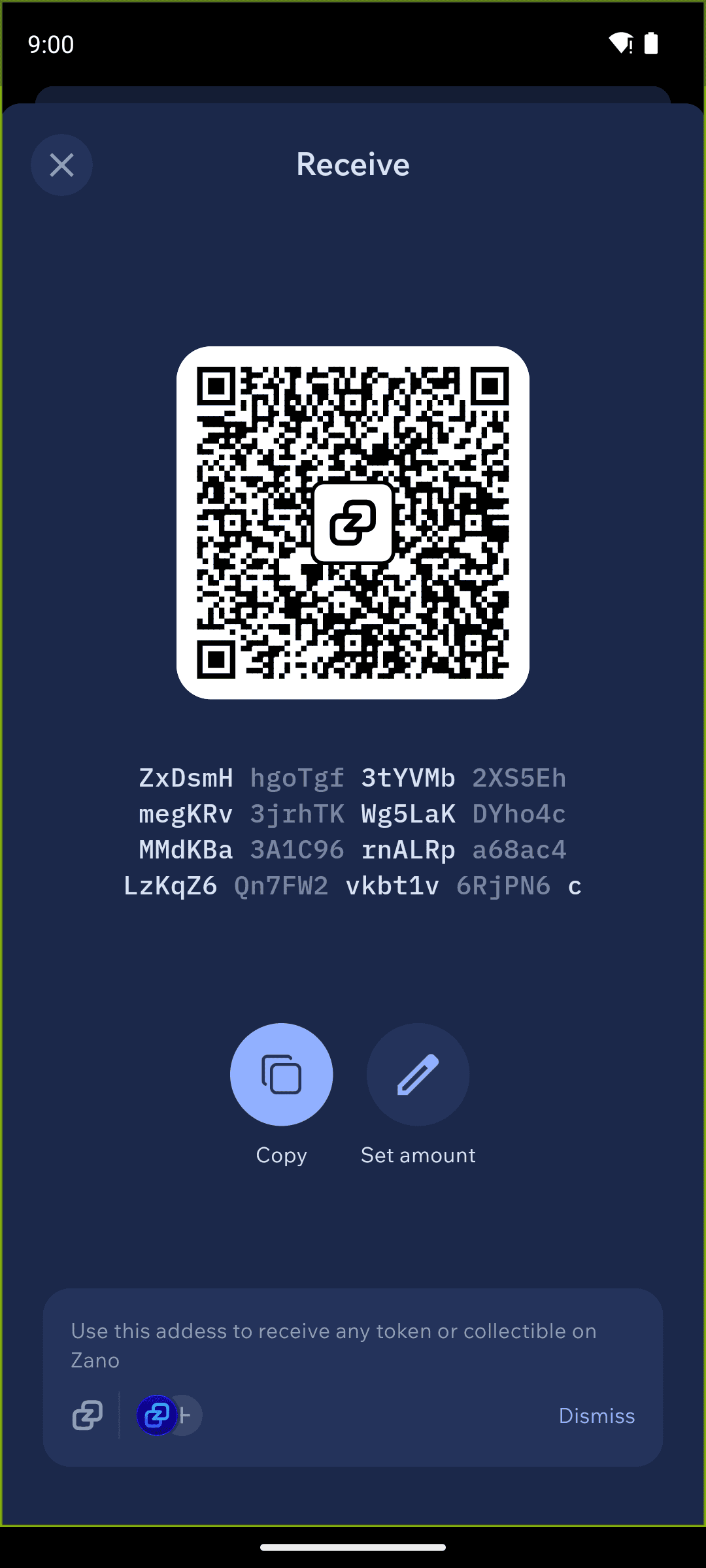
In Cake Wallet's Zano wallet, there is only one address per wallet, which is standard for the Zano ecosystem. Keep in mind that this will have lesser privacy compared to some other assets, where new addresses are automatically generated.
Your Zano address will start with ZxD followed by a series of alphanumeric characters.
When sending, Cake Wallet also accepts a Zano alias in place of an address — a short handle beginning with @, such as @alice. Aliases are registered on the Zano network and resolve to a normal Zano address.
Seed Format
Since Cake Wallet v6.4.3, new Zano wallets use the standard BIP39 seed — 12 or 24 words, chosen when you create the wallet, with an optional seed passphrase under Advanced Settings. Like other BIP39 currencies, Zano wallets can then join a wallet group and share one seed with your other Cake Wallet currencies.
When restoring, Cake Wallet accepts either a 12- or 24-word BIP39 seed or the original native Zano seed (26 words) — there is no seed-type selector; the format is detected from what you enter. Zano restores can also set a restore height or date. Wallets created before v6.4.3 keep their original 26-word seed and continue to work exactly as before.
Fee Levels
Transaction fees are a necessary part of sending Zano or Confidential Assets.
Cake Wallet lets you choose a fee level for each transaction under Advanced Settings → Fees. Zano offers five levels, in this order:
Slow
Automatic — the default, and what we recommend
Medium
Fast
Fastest
We recommend leaving it on Automatic, which balances speed and cost based on current network conditions. Higher fee levels confirm faster but cost more; lower levels are cheaper but can take longer to confirm.
Confidential Assets
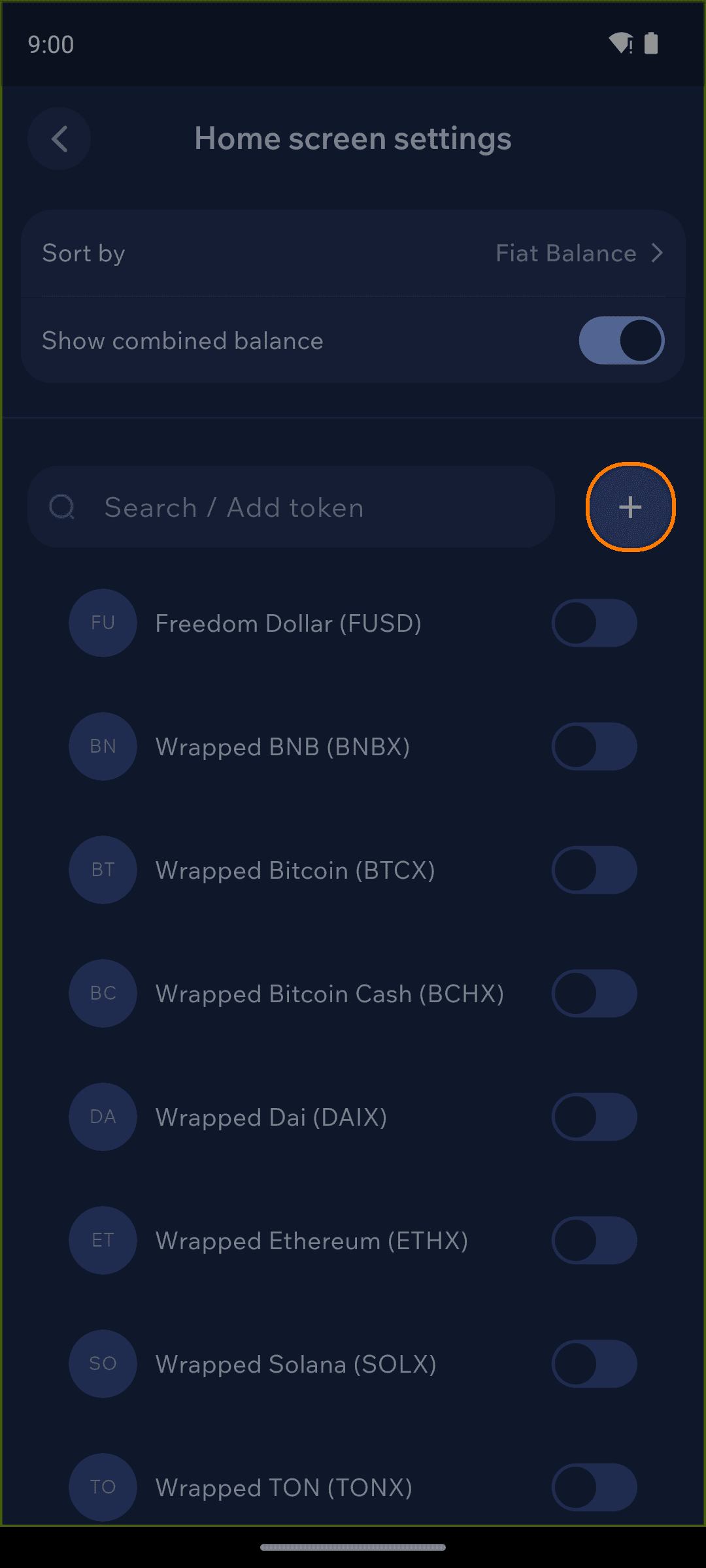
Cake Wallet's Zano wallet can store Confidential Assets in addition to ZANO. To add a Confidential Asset, open the Assets tab on your home screen, tap the Tokens button, then tap the + to add a token. Any existing Confidential Assets owned by the wallet will automatically be shown on the home screen.