

Sign & verify messages
Cake Wallet can cryptographically sign a message with your wallet's keys to prove that you control an address, and verify a message that someone else signed. It's a simple way to prove ownership of an address without moving any funds.
Open Sign / Verify
Open the Settings gear, tap Other, then Sign / Verify.
Sign a message
On the Sign Message page, type or paste the message you want to sign. For Monero, Bitcoin, Bitcoin Cash, Litecoin, and Dogecoin you can also enter a specific address to sign with; other currencies sign with the wallet's primary key. Tap Sign Message, and the signature appears in the read-only Signature field — tap it to copy.
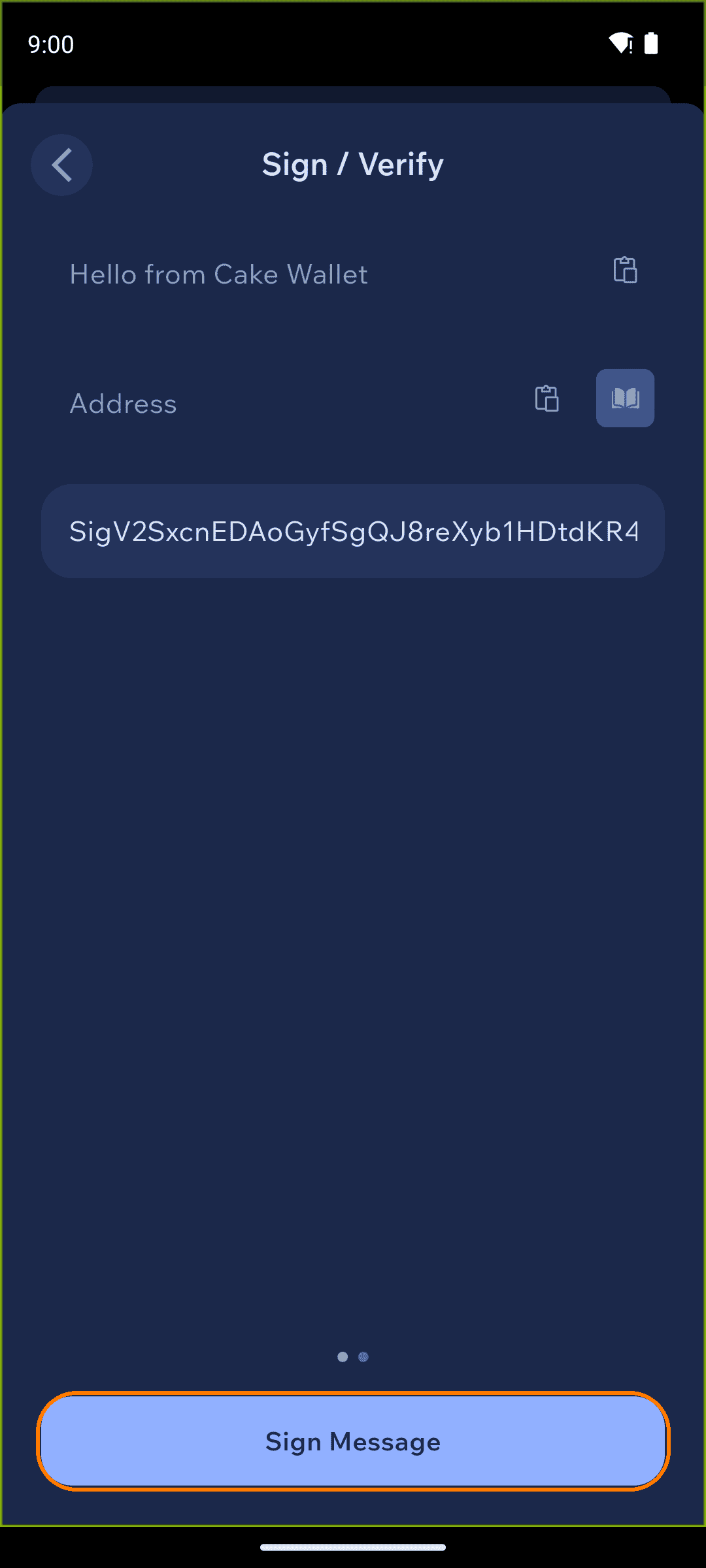
Share the message, the signature, and (if you used one) the address with whoever needs to verify it.
Verify a message
Swipe to the Verify Message page. Paste in the message, the signature, and the address, then tap Verify Message.
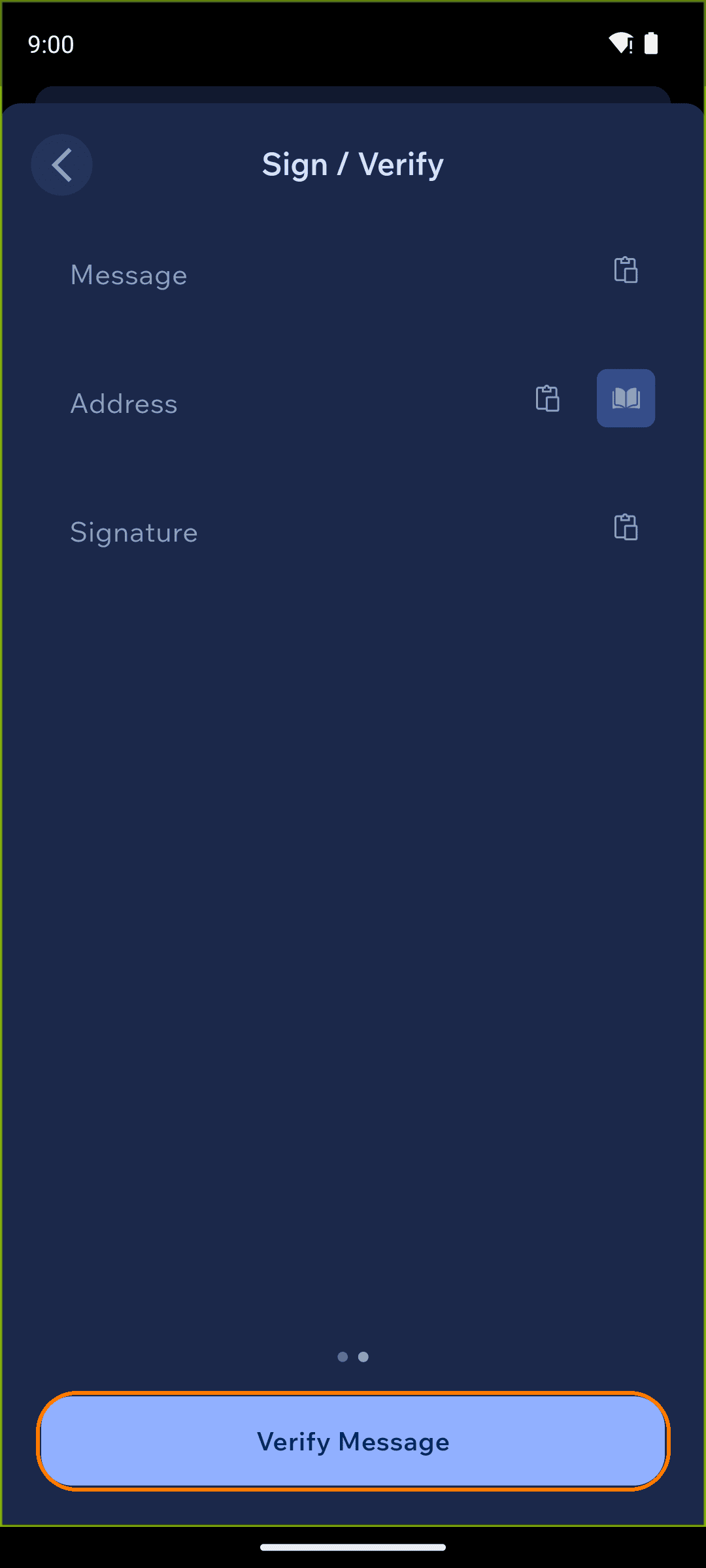
A valid signature shows a success message; an invalid one tells you the signature isn't valid for the message given.