

Restore existing wallet
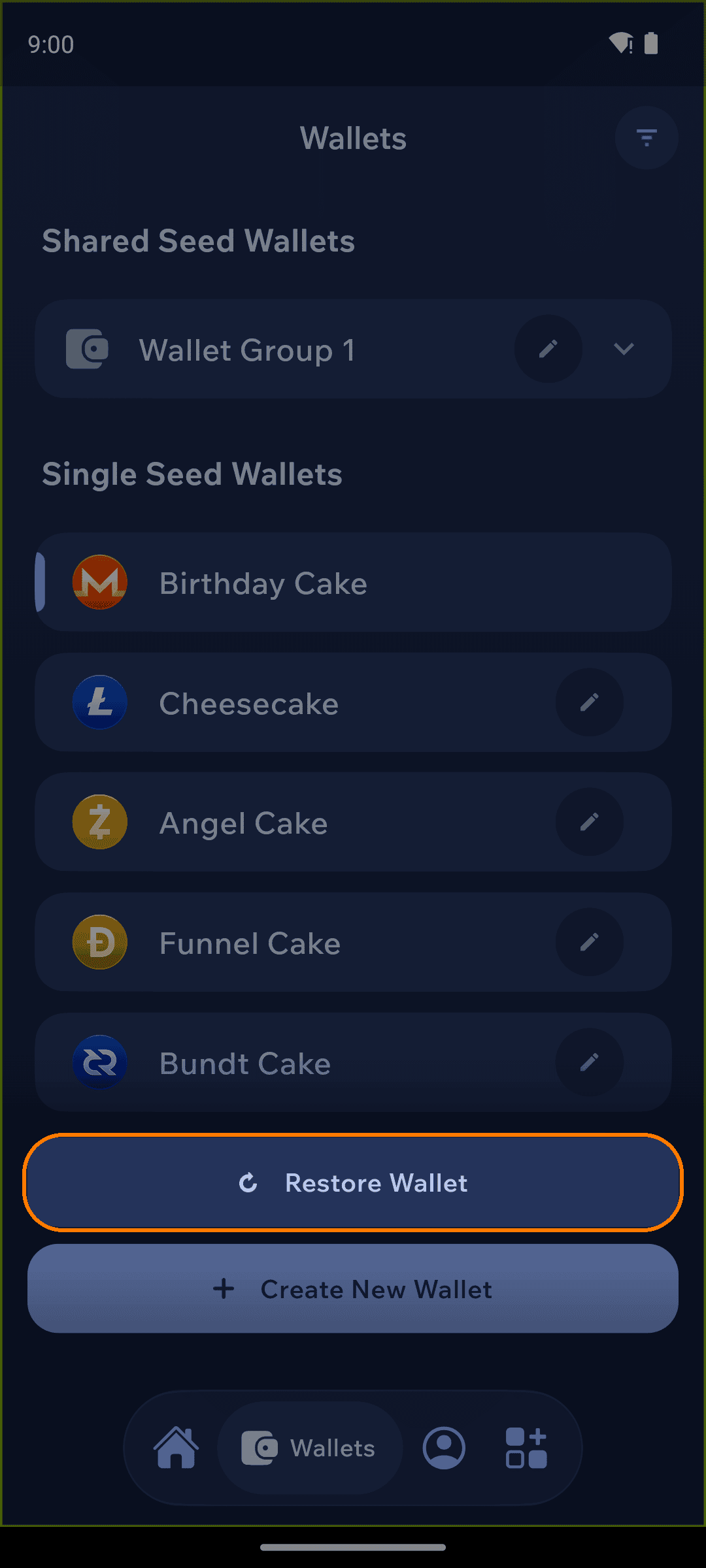
Enter the wallets menu
Open the wallets menu from the bottom navigation bar, then tap Restore Wallet near the bottom of the screen.
Choose a restore option
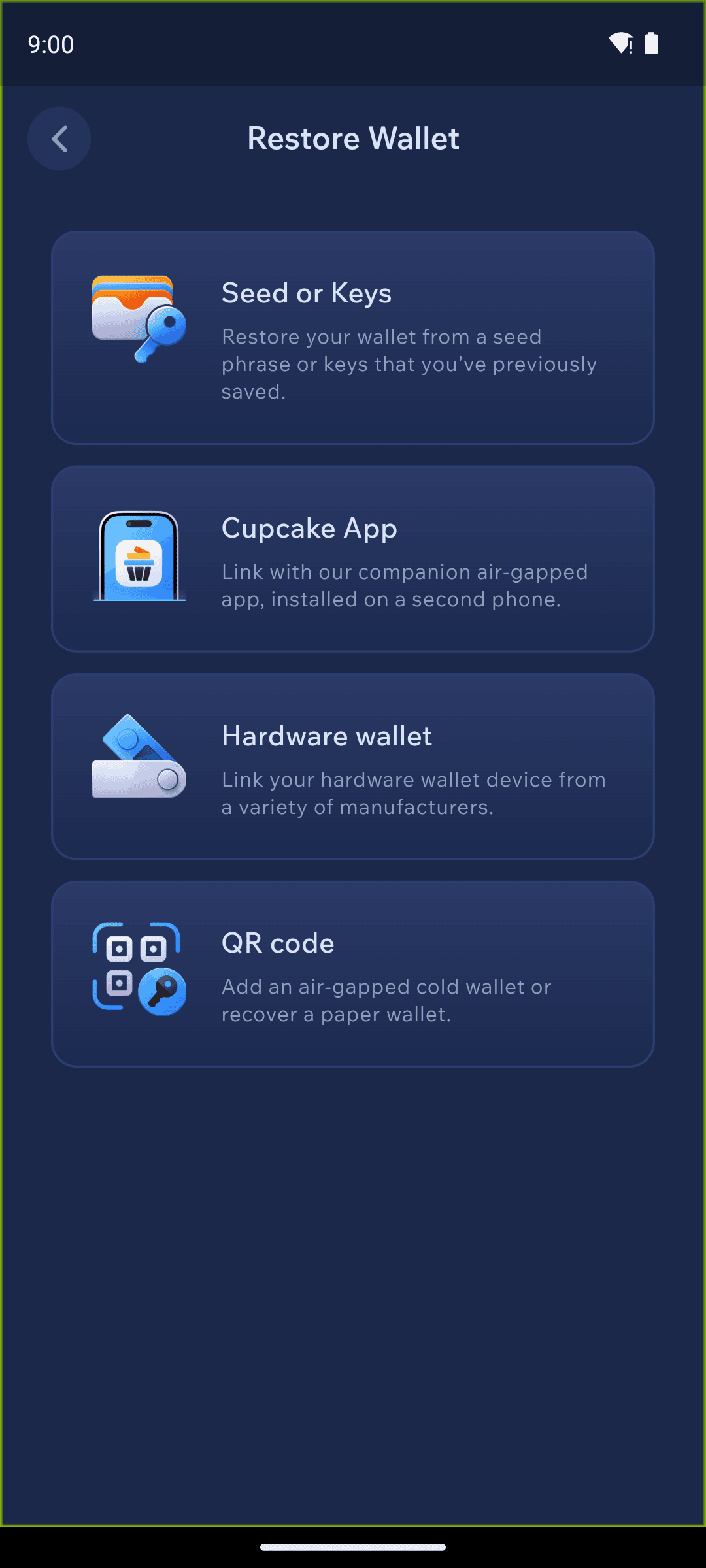
Pick how you'd like to restore, then follow the matching guide:
Seed or keys — restore from a seed phrase or the private keys you saved.
Cupcake — link with our companion air-gapped app installed on a second phone.
Hardware wallet — connect a hardware wallet device from a variety of manufacturers.
QR code — restore an air-gapped cold wallet or recover a paper wallet.
Backup file — restore from a Cake Wallet backup file (available on new installs).
Last updated