Hardware wallet
Supported devices
Connected over Bluetooth or USB
Ledger — Monero, Bitcoin, Litecoin, Ethereum, Polygon
Trezor — Monero, Bitcoin, Litecoin, Ethereum, Polygon
BitBox — Bitcoin, Ethereum, Polygon (Android only)
Air-gapped, over QR codes — these devices are never plugged in or paired. Cake Wallet displays a QR code, you scan it with the device, and then scan the signed result back into Cake Wallet.
COLDCARD — Bitcoin, using either the
BCURorBBQRQR code formatCupcake — Cake's own air-gapped signing app; see the Cupcake documentation
SeedSigner, Keystone and Foundation Passport are listed in the app under Coming Soon and cannot be used yet. BitBox is also marked Coming Soon on anything other than Android.
Restore wallet from hardware
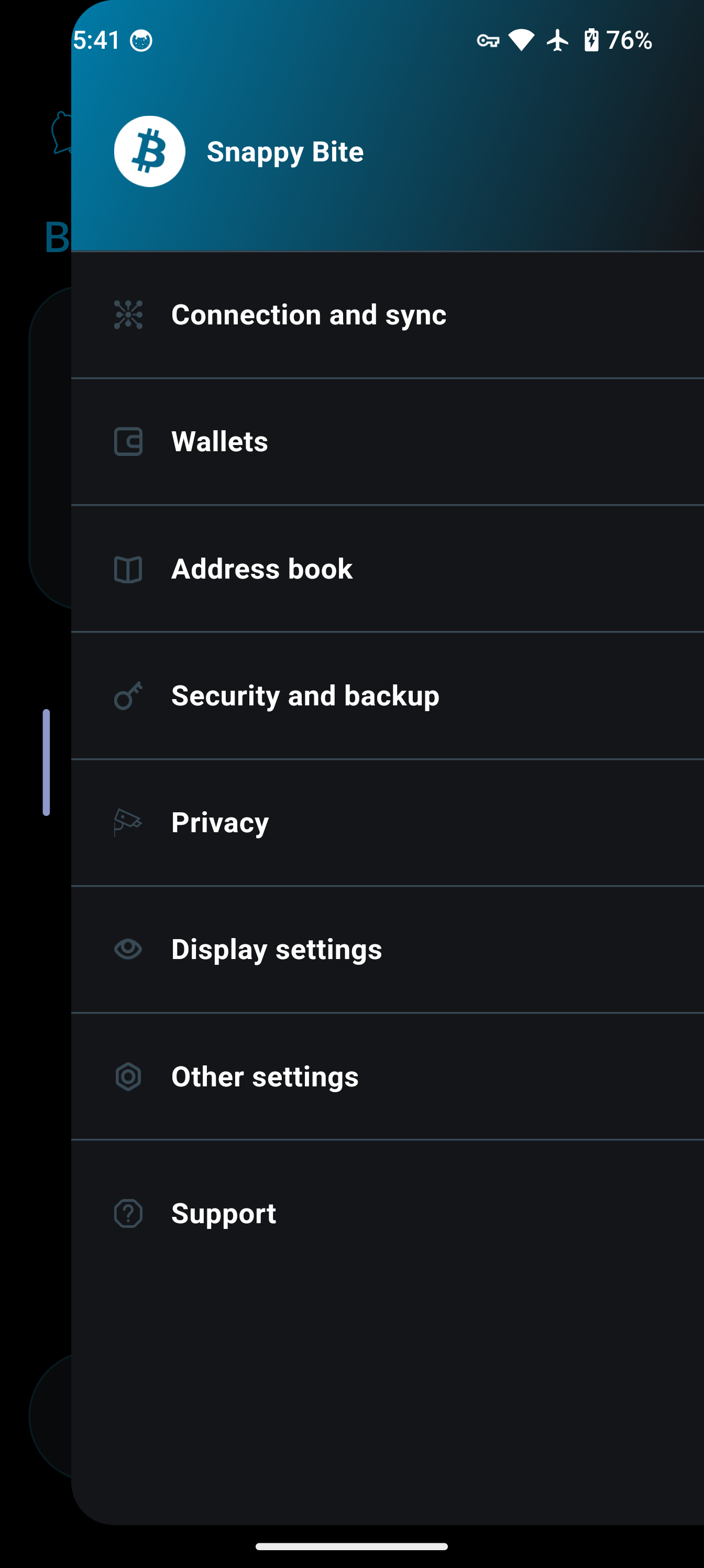
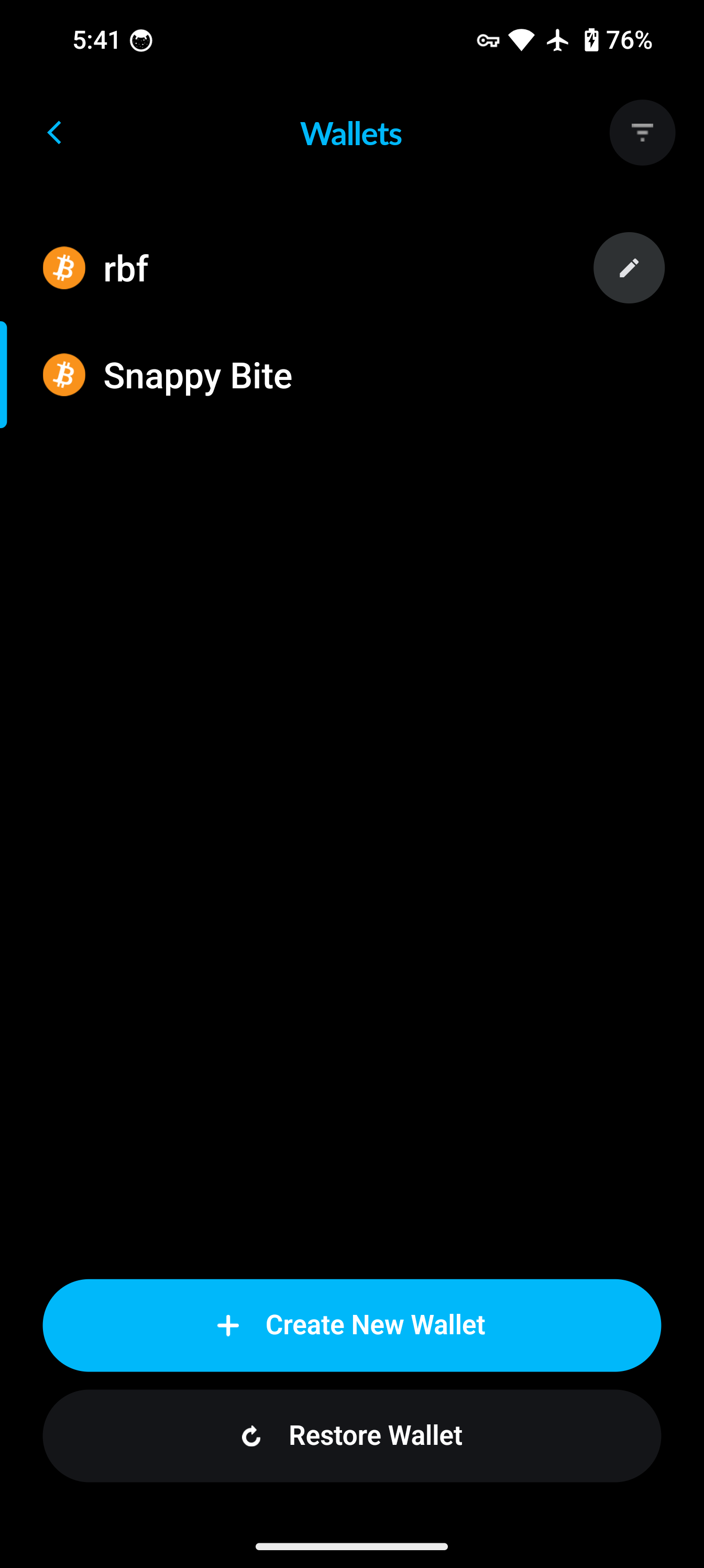
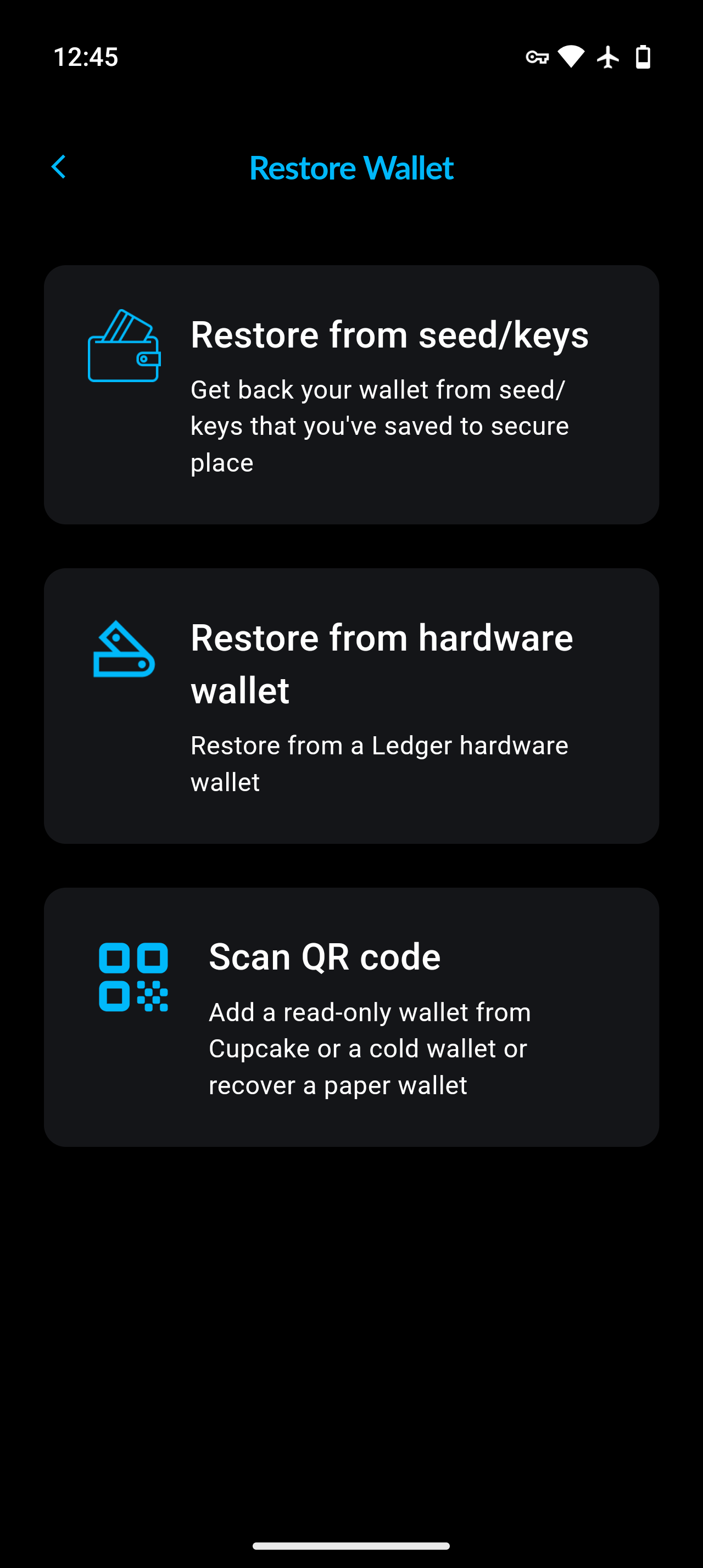
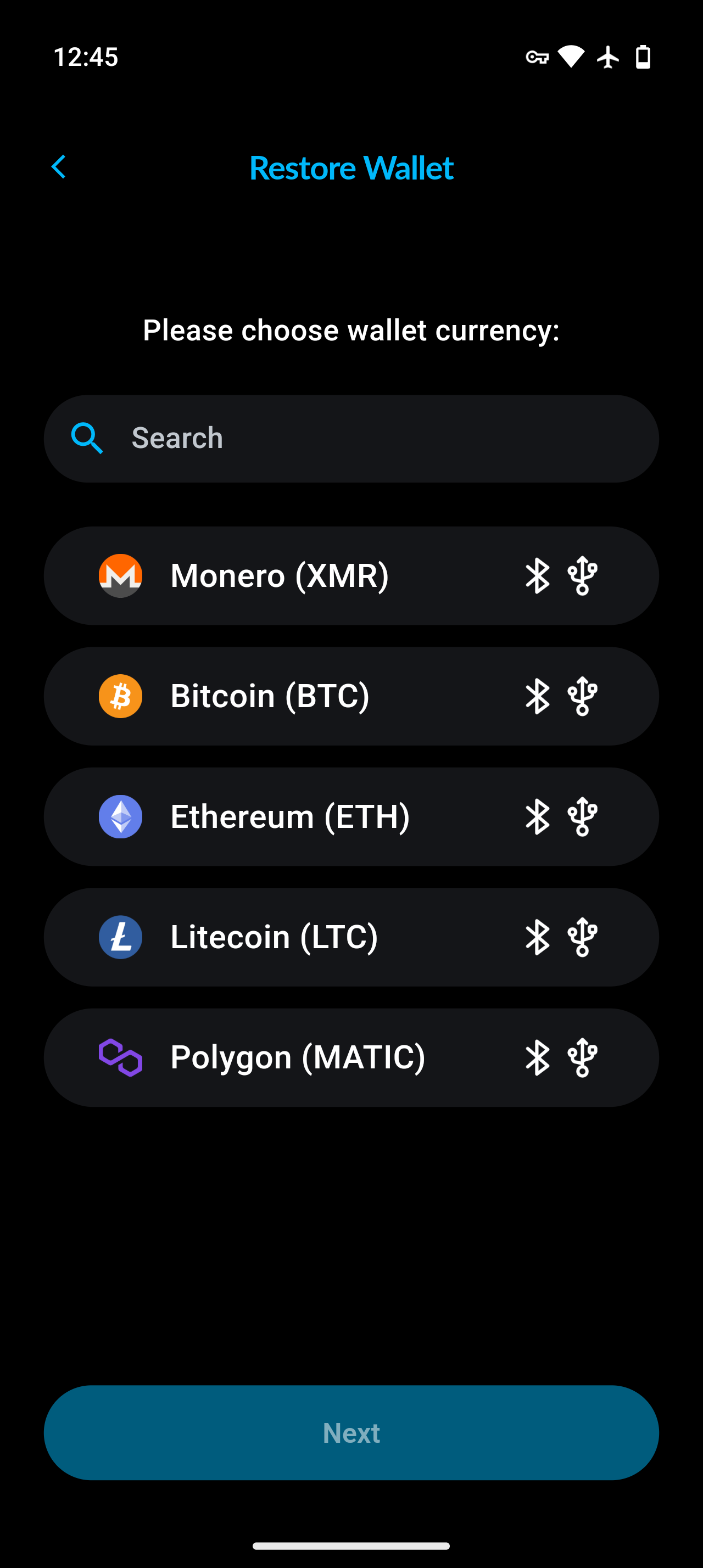
Step 3
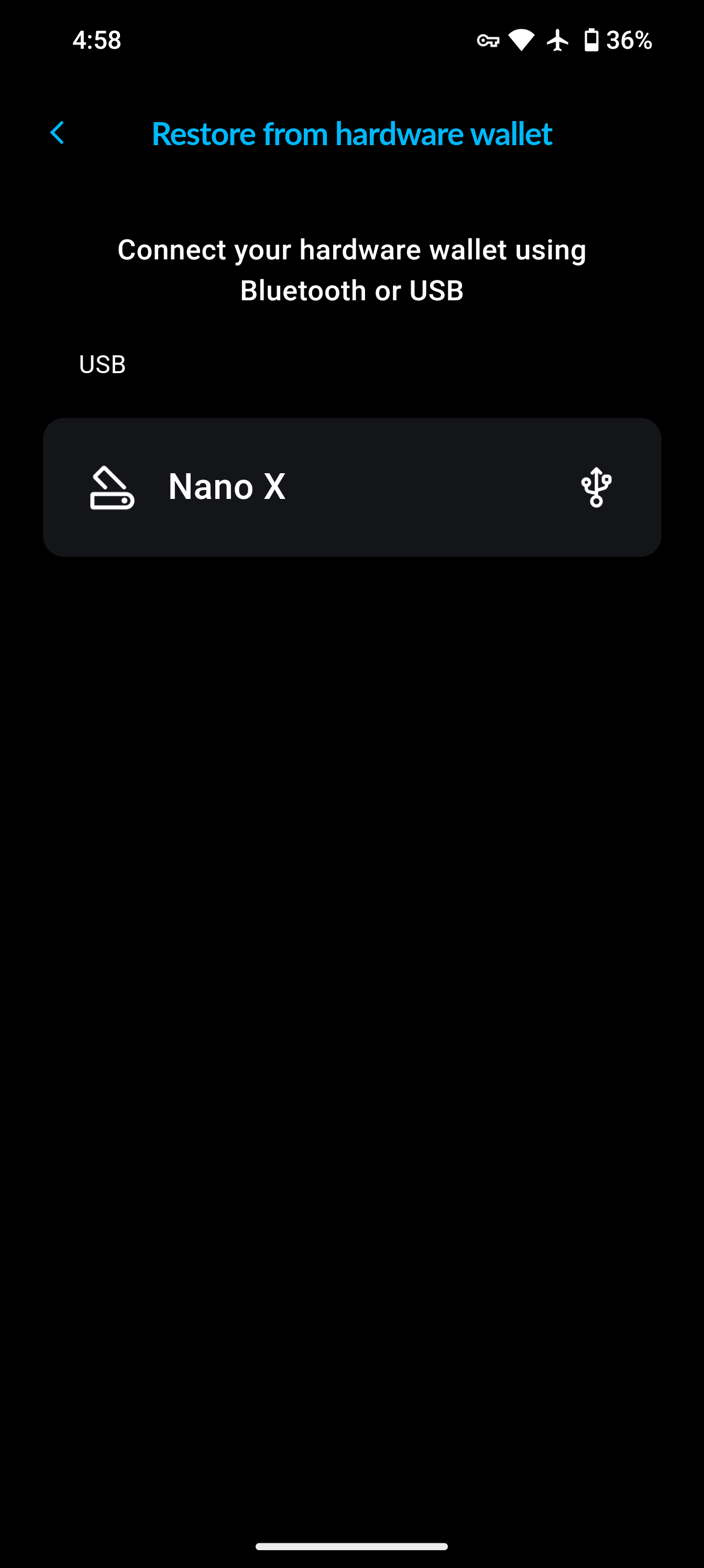
Connect your hardware wallet device.
On Android, macOS and Linux you can connect over either Bluetooth or USB. On iOS, only Bluetooth is offered — USB is not available.
Air-gapped devices such as COLDCARD and Cupcake are never connected: instead of this step, you scan QR codes back and forth between Cake Wallet and the device.
Make sure the required app is open on your device before selecting it: Ledger and BitBox devices use per-coin apps, while Trezor devices need no app for Bitcoin or Monero.
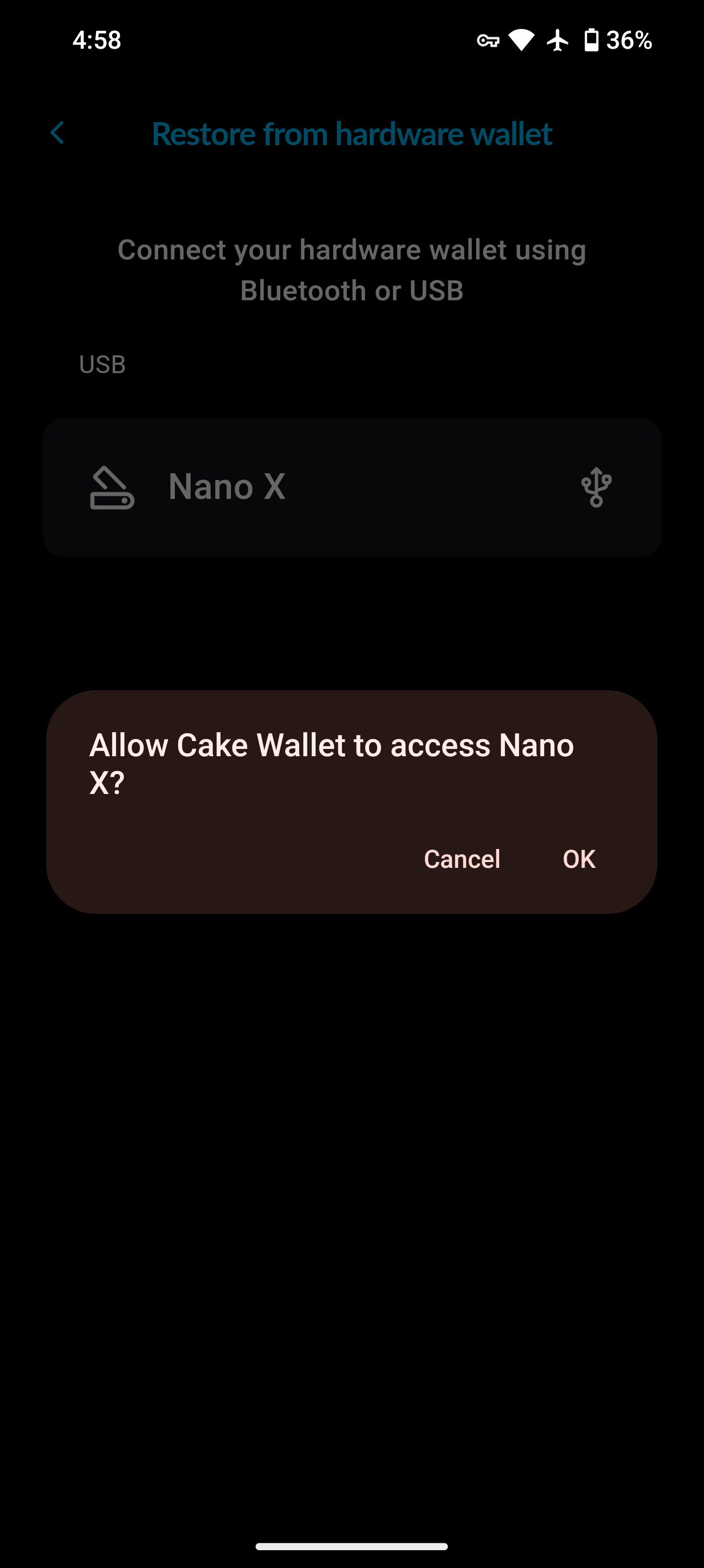
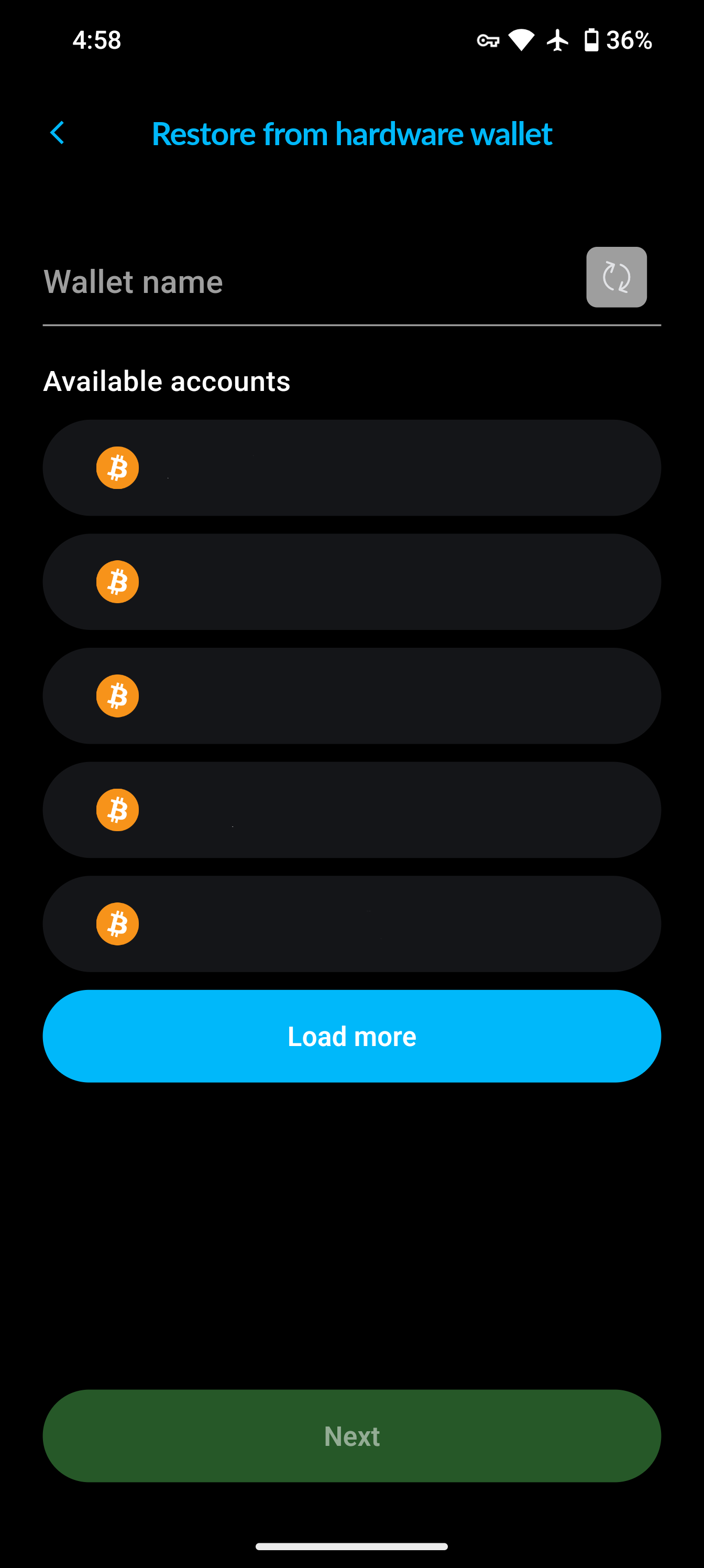
Once you see your device, select it from the menu and allow access (if applicable).
Tutorial video